

CapCut - Video Editor
- 4.5
- 500M+
- Trusted
ADVERTISEMENT
App Overview
The CapCut - Video Editor app is designed for individuals seeking a user-friendly platform to create stunning videos. Whether you're an aspiring content creator or someone who wants to share memorable moments on social media, this app provides an array of tools tailored to enhance your video editing experience. By offering intuitive editing functions and advanced features, CapCut helps solve common editing dilemmas, making video creation a seamless and enjoyable process. 📹
APK Download Context
Downloading the APK version of the CapCut - Video Editor app grants users enhanced flexibility and control over their video editing experience. With the APK, you can access the latest updates and features more swiftly than waiting for standard app store releases. This flexibility is particularly important for Android users who want to customize their editing tools and ensure they are using the most secure and up-to-date version of the app. By choosing to download the CapCut - Video Editor app as an APK, you maximize your editing capabilities! 📲
Key Features
- Basic video editing: Trim, shorten, split, and merge clips effortlessly.
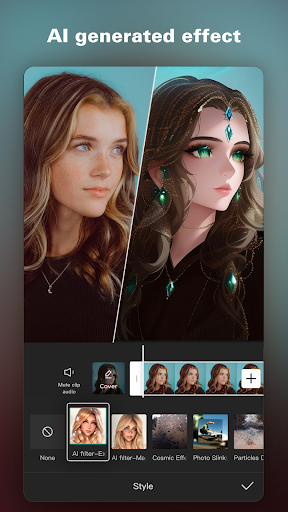
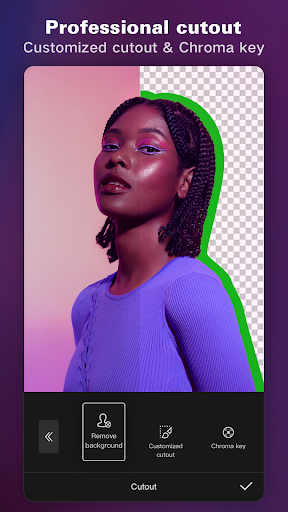
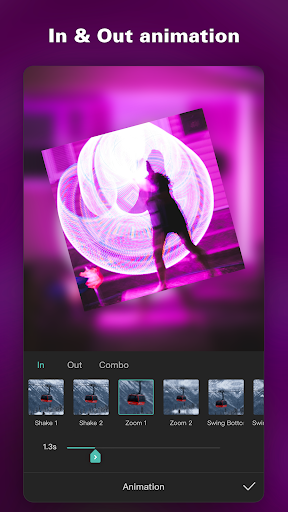
- Advanced video editor: Utilize keyframe animation and smooth slow-motion effects.
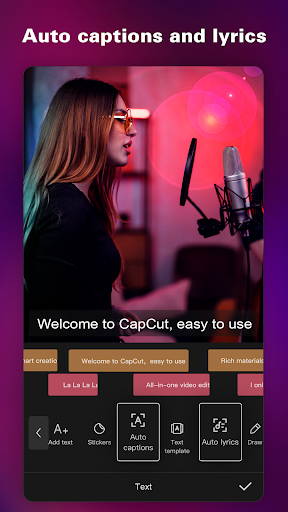
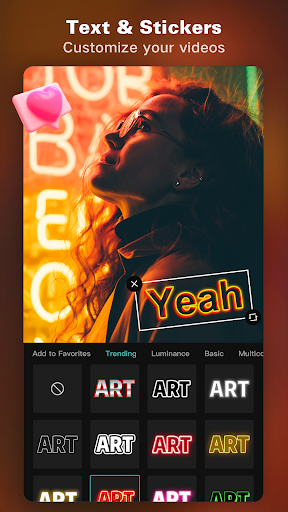
- Intelligent features like auto captions and text-to-speech in multiple languages.
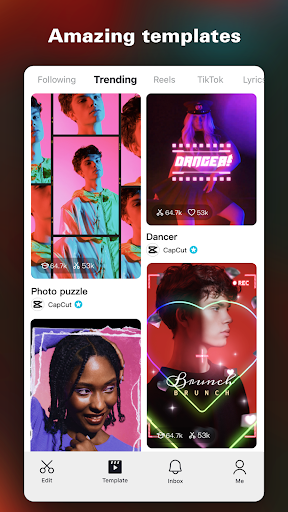
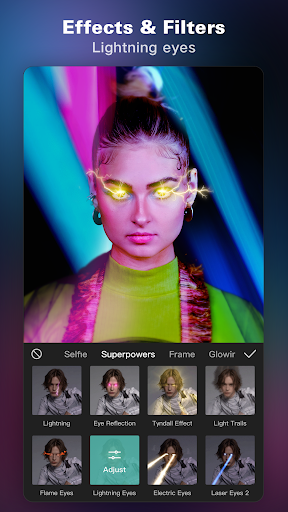
- Trending effects and filters updated weekly to keep your content fresh.
- Add millions of music clips and sound effects for a professional touch.
Advantages
Potential Drawbacks
ADVERTISEMENT
Install Latest APK
CapCut - Video Editor Information
-
App NameCapCut - Video Editor
-
CategoryVideo Players & Editors
-
DeveloperBytedance Pte. Ltd.
-
Developer Email
-
Version17.5.0
-
Download500M+
Screen Shot

Related Articles


ADVERTISEMENT


